“Everybody lies” – as a certain well-known character from a certain well-known TV series once said. People are the obvious suspects, but hardware can be just as dishonest, and I’m going to prove it.
I’ve spent twelve years working with tachographs, and I’ve seen all sorts of things. Technology keeps moving forward, software gets better and more reliable, and the whole process becomes more efficient. But as long as someone has to take responsibility, people are involved, and the laws of physics still apply, I doubt things will change all that much anytime soon. Which means tachograph services aren’t going anywhere either – they’ll keep evolving. You’ll see what I mean as you read on.
- Where do all these stories come from?
- VDO – the best. And even it sends garbage
- Stoneridge – a collection of firmware bugs
A brief prologue
The tachograph lies about the file being downloaded. The tracker claims the file is ready. The firmware insists the encoding is exactly what it says it is – except it isn’t. And let’s be honest, we’ve even tried lying to the tachograph ourselves. Didn’t help… If you thought you knew everything there was to know about tachographs, I’m afraid I have some bad news for you.
Spoiler: if someone tells you their tachograph solution works flawlessly and always downloads everything on the first try, they’re lying to you, too.
So make yourself comfortable and get ready to experience a world of compromises, where things are rarely as straightforward as we’d like them to be.
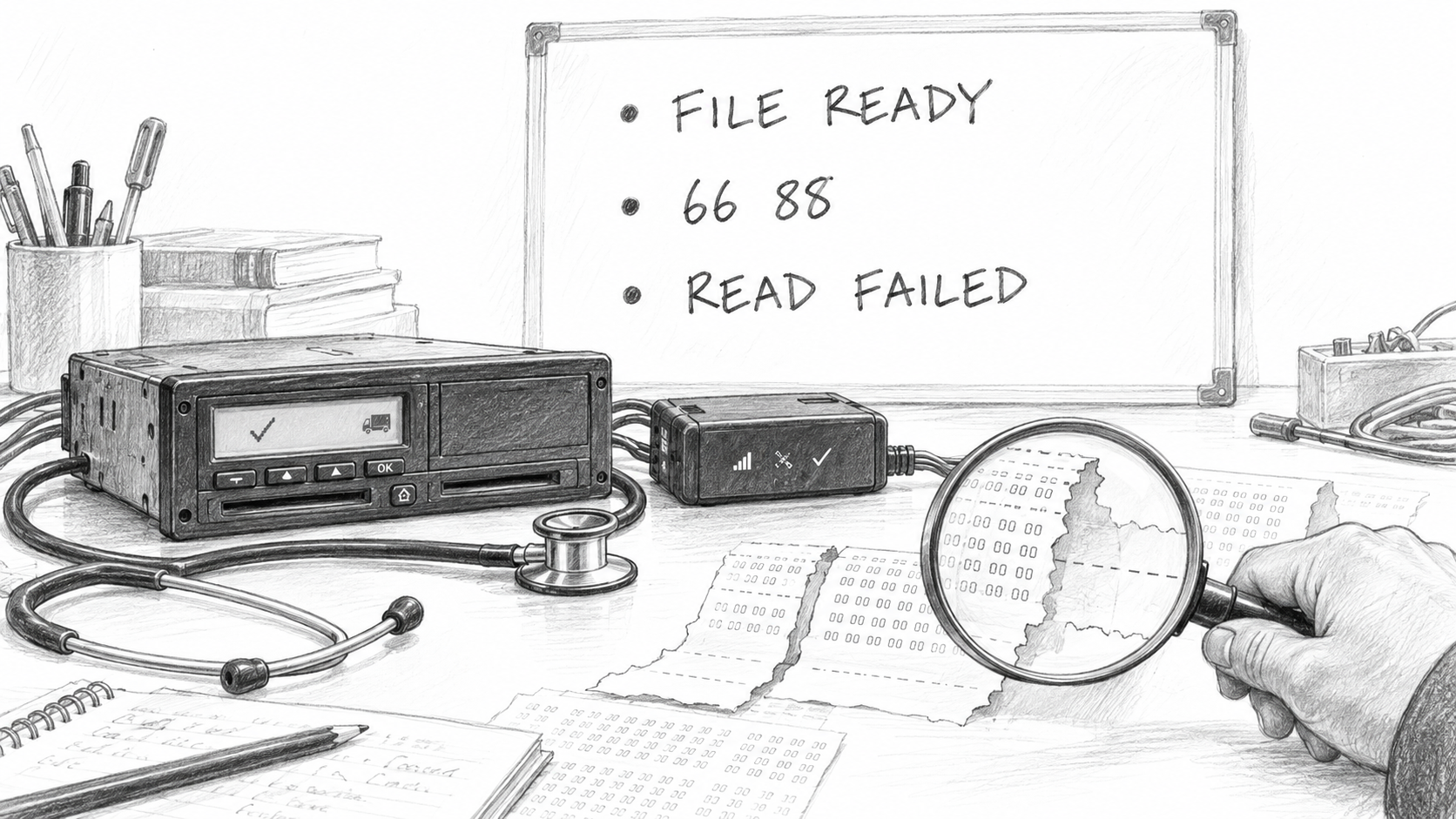
In the previous part, we followed the entire chain from end to end: 11 links one way, and another 11 on the way back. The tachograph, tracker, server, application, reader, card – each has its own development team and its own idea of how things should work. When something breaks along the way, everyone checks their own little corner and honestly reports, “Works fine on my end.” Guess who gets to fix it? The one stuck in the middle. Who’s that? You guessed it – flespi.
Where do all these stories come from?
Transparency – one of flespi’s strong suits. One of flespi’s strong suits. It gives you a full picture of what’s going on with a tachograph: every attempt, error, state change, timeout, traffic exchange, and so on. In pretty much any other tachograph interface, the most you’ll usually get is “Done” or “Error.” Everything else stays under the hood, out of sight so the user doesn’t get scared off.
But transparency comes with a side effect: a customer opens the log, spots an error or warning, and concludes that the platform is broken. In the cases we’ll look at below, however, the log is simply showing what their own hardware is actually doing.
If flespi reports an error, guess who gets the support ticket? Us. People tend to miss the rather important distinction between reporting an error and causing an error.
The good news is that when it’s time to investigate, we have a step-by-step timeline: what the tachograph did, at which stage things went wrong, and exactly what went where – down to the very last byte. Everything that follows is a documented account of what happens when things go sideways.
Let’s start with the manufacturer I have the fewest complaints about.
VDO – the best. And even it sends garbage
In our experience, Continental VDO makes the most reliable tachographs out there: stable firmware, predictable behavior, and backward compatibility across updates. Ask me which tachograph to buy, and I’ll say “VDO” without a second thought.
Case 1. Garbage with a success code
What happened: The download eventually succeeded after four consecutive failed attempts.
The details: Four failures out of five attempts. But the interesting part isn’t the math – it’s the second attempt.
Attempt 1 → Error: Reading the card data
            All retries exceeded, read failed


Attempt 2 → File received. No errors.
            Invalid tacho DDD file  ← our validation caught this


Attempt 3 → Response from the server timeout


Attempt 4 → All repeats are exceeded, read failed


Attempt 5 → Valid driver card file received  ← success
The tachograph didn’t report an error. It silently handed over a file full of garbage and marked the operation as successful. The only thing that caught it was structural DDD validation on our side.
Now imagine the same chain without that validation. The customer receives a .ddd file, archives it for a transport inspection, and goes about their business, none the wiser. If nobody checks the file again, the customer might not discover the problem until the authorities come knocking – potentially causing serious trouble at the worst possible time.
The verdict: The timeline points to an unstable connection as the likely culprit. A card read error → a corrupted file → a timeout. The log doesn’t tell us exactly which internal error this triggered in the firmware. But one thing is clear, no guesswork required: a production device from the most reliable manufacturer handed over garbage with a success code.
The lesson: Always validate the structure and data of downloaded files. Even the most reliable hardware can cause trouble. Never lose sight of that.
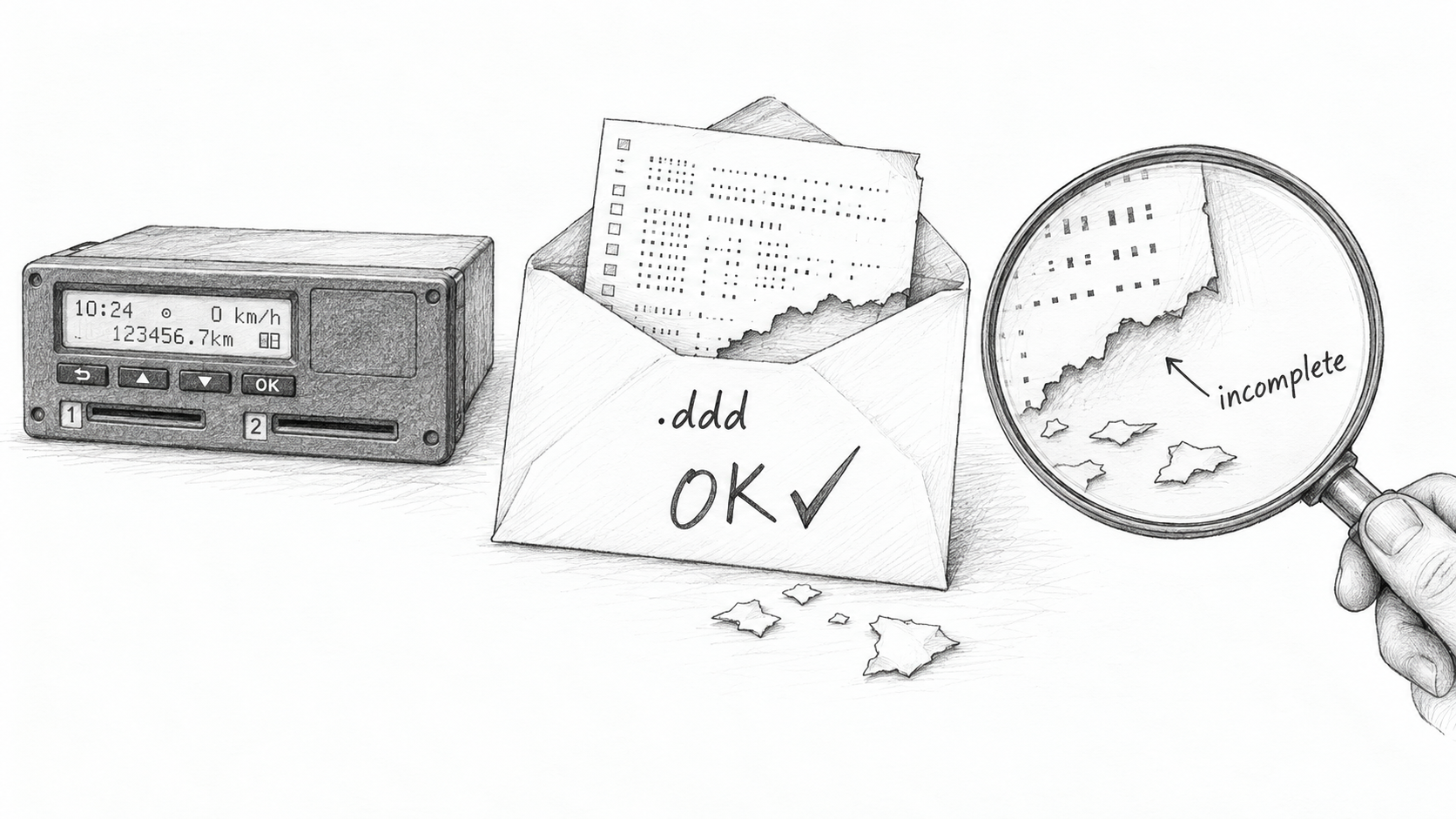
Case 2. Valid until proven otherwise
What happened: Same problem, different angle. The tachograph and tracker attempted to transfer a file that was both valid – and invalid.
The details: A first-generation VDO tachograph. Technically banned by now, but still very much in use in the real world. Paired with a reliable Ruptela HCV5 Lite tracker.
The tachograph downloaded the driver file. The tracker reported it as valid, gave its length as N bytes, and confirmed that every single byte had been transferred intact. Technically, the tracker is right. It faithfully transmitted exactly what it received. The problem is that the final DDD structure is missing data – the file is truncated. The tachograph handed over an incomplete file without reporting an error. The tracker checked the length, and it matched. Both devices reported success, yet the file was incomplete.
Ultimately, the server has to verify what was actually transmitted. For the tracker and tachograph, that kind of validation means extra processing overhead and complexity. Validation won’t magically fix the file, but at least the customer will know something is wrong with it.
The verdict: Checking the file length, verifying the CRC, and following the protocol to the letter ≠ a guarantee that the data is correct.
The lesson: Validation should cover the entire download pipeline, from authorization all the way through to a full structural check of the file data. Check the file length, packet lengths, CRC if available, and everything else that can help catch corrupted data. And if something goes wrong, it’s better not to save the file at all. A customer is more likely to notice a missing file than a corrupted one – which might slip through unnoticed.
Stoneridge – a collection of firmware bugs
There are more stories here, and some of them illustrate perfectly why compliance with a standard doesn’t necessarily mean two pieces of hardware can actually talk to each other.
Let’s start with something simple. Well, as simple as anything in this field can get.
Case 3. The card explained. The tachograph didn’t get it.
What happened: The card told the tachograph how to fix the request, but instead of retrying, the tachograph threw a read error.
The details: Stoneridge G2, firmware PABF. The tachograph requests data from the card and specifies the expected response length as “give me everything” – Le=00. In a short APDU, that means up to 256 bytes, even if the zeros might suggest otherwise.
The card responds with an error: 6C05 – got the length wrong, try again with the correct one. Set the expected response length to 5 bytes: Le=05. There’s a very specific next step for this kind of response: resend the same command with the corrected length. In other words, the card tells the tachograph both what went wrong and how to fix it. But the tachograph ends the conversation right there:
VU   → card:  00 B0 82 C8 00        request with Le=00
card → VU:    6C 05                 "retry with Le=05"
VU   → ...:   read error


Expected next request: 00 B0 82 C8 05
No mysterious cryptography, lost packets, or bad contacts involved. The card responded, the response got through, and the correct length was right there in the response. Everything was fully compliant with the spec. The firmware simply failed to take the next step. The customer got a “card read error” and another gray hair. From that error message alone, it’s pretty hard to figure out that the card actually did everything right.
The verdict: Why couldn’t the tracker catch this when transferring data from the tachograph? It actually could have. It simply chose not to. Why? Because doing so would mean taking responsibility for the data being transferred. Tracker manufacturers tend to steer clear of that kind of responsibility because they know perfectly well that the data may not comply with the specification. So they leave the responsibility with the tachograph and the telematics service.
The lesson: A card can do everything by the book and still end up looking guilty in the customer’s eyes. Because the screen says “card read error,” not “the tachograph can’t handle the card’s response.” So before replacing the card, it’s worth checking which side of the communication actually dropped the ball.
Case 4. Two records and one missing byte
In the previous case, the card itself suggested how to fix the problem. Here, the first command completed successfully, and the error only showed up with the next one.
What happened: One missing byte threw the tachograph’s and card’s counters out of sync. We had to patch that byte on the server side to get authorization working.
The details: In part one, we introduced the SSC counter. It keeps track of commands and responses independently on the tachograph and the card, and both sides must stay in sync. Otherwise, the communication contract is broken. The MAC (Message Authentication Code), a cryptographic mechanism for verifying message authenticity, depends in part on this counter. If the counters drift apart, the next command looks forged to the card – even if it came from a genuine tachograph.
In one of the newer Stoneridge firmware versions, we observed the following sequence: the tachograph sends two or three write commands to the card’s system file EF 050D. The first one goes through. The second gets 6688 – MAC verification failed. Looking at the decoded exchange, we found that the MAC for the second command had been calculated without accounting for the counter shift caused by the response to the first command:
VU   → card:  0C D6 ...  write #1    MAC matches
card → VU:    90 00                  success, but response without SM wrapper
VU   → card:  0C D6 ...  write #2    MAC calculated using the old SSC
card → VU:    66 88                  MAC verification failed
This is where we tried lying to the tachograph. The server sits in the middle, and the response passes through us, so we can replace 6688 with 9000 – essentially telling the tachograph “all good” – and see what happens next. So we did. The tachograph sent a third write command, and the card rejected it again. There was no point in trying to cheat our way any further.
We had to go back to the first write command. More precisely, to the response it received. The card returned success (90 00). For a regular command, that would look perfectly normal. But this was a Secure Messaging session, where responses must be wrapped in their own MAC-protected envelope. Without that envelope, the tachograph has nothing to verify. Its counter falls out of sync with the card’s, and the next command fails.
In the end, it all came down to one missing byte: the expected response length, Le. The tachograph was waiting for a response with all the cryptographic formalities in place, while the card simply said, “All good.” That single missing byte in the command was all it took to prevent the card from returning the properly wrapped response.
To help the two sides get along, we modified the command on the server side, inserting Le=00 along the way. The card then returned the response in exactly the format the tachograph expected:
99 02 90 00 8E 08 [MAC] 90 00
The tachograph verifies the MAC, shifts its counter, and continues the session. Instead of three records, only one is needed, and authorization succeeds. No tachograph firmware update or card replacement required.
The verdict: One missing byte cost us a week of troubleshooting. Getting to the bottom of it meant running dozens of real authorization sessions, dissecting all the traffic and examining every instruction byte by byte. We also had to dig through documentation for different revisions, because the protocol can vary depending on the specification version and tachograph firmware. And that was just part of the job.
The lesson: Don’t focus solely on error code 6688 – the actual problem may have started several commands earlier. Unlike software development, where errors usually come with a detailed description and a precise indication of where things went wrong, troubleshooting tachographs requires you to be both an engineer and a detective. And you need the right expertise, technical knowledge, skills, and, most importantly, hands-on experience in the field. Without that combination, you can spend a very long time going around in circles.
Case 5. Nine failures out of ten
Unfortunately, adding a missing byte and saving the day doesn’t always work.
What happened: Only one out of ten authorization attempts succeeded.
The details: A different truck, with a Stoneridge Gen2 tachograph paired with a Ruptela tracker. The other nine attempts failed in different ways:
In one case, authorization succeeds, but the secure channel dies after one to three commands.
In another, the process never even reaches the secure channel.
In the third, the secure-channel exchange completes, but the tachograph hangs for 47 seconds.
Then you start digging through the dumps and find another interesting detail. After error 6A88, the firmware has at least two recovery paths. One works. The other sends an MSE SET command with parameter P2=B6 instead of A4, only to hit another error. In other words, the very mechanism designed to recover from a failure has a bug of its own.
We can’t choose the correct recovery path on behalf of the tachograph. In the third scenario, the tracker also stops reporting that the tachograph is available on the bus just before the pause. There’s no way to tell from the server-side dump what exactly got stuck internally. From the outside, all we see is 47 seconds of silence. Then it’s back to square one.
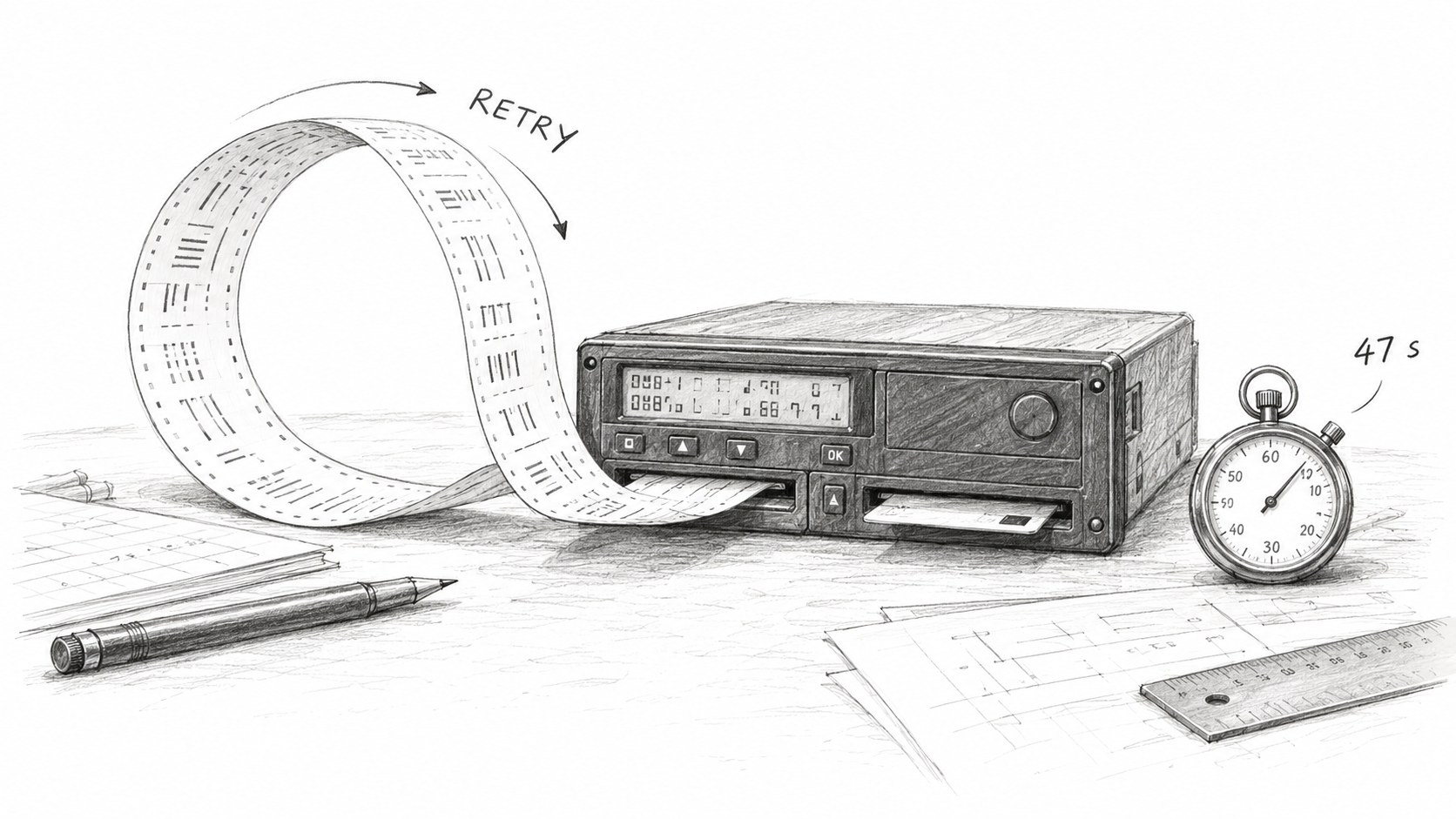
The verdict: We couldn’t find a working workaround on our side for this case. All we can do is retry authorization and hope the firmware takes the working path this time. One successful attempt out of ten was the outcome of our investigation, not a promise that it’ll work on the tenth try.
The lesson: Not every firmware bug can be worked around on the server side. The business still needs the file, regardless of which recovery path someone else’s firmware decides to take today.
Case 6. Updated. Got worse.
Another story involving a second-generation Stoneridge tachograph, 2022 edition.
What happened: The tachograph was working reliably, and authorization was going through just fine. Then the firmware was updated – and authorization stopped working.
The details: The new version started interpreting the specification more strictly and stopped accepting things it had previously allowed. The intention to follow the spec more closely is understandable. The problem is that all the other hardware stayed the same, and nobody warned the rest of the ecosystem that the behavior had changed.
The verdict: As usual, we found out from customers whose systems stopped working after the update. There was no server-side workaround, so it was back to traffic analysis, debugging, checking the specification, and repeating the cycle until we got it working again.
The lesson: In all our years of working with VDO, we haven’t encountered similar cases of backward compatibility being broken. That’s no guarantee for every future firmware release, of course. It’s just one more reason why I named VDO as my top choice at the beginning of this article.
One specification, two very different personalities
To understand where all these differences come from, let’s compare the communication flows of the two manufacturers. The authentication phases are defined by the same specification, but each manufacturer has implemented the surrounding data reads and writes in its own way. In the sessions we analyzed, it looks like this:
| What happens | VDO | Stoneridge |
| How it addresses card files | By short file identifier (SFI) | By file identifier (FID) |
| Commands in the secure channel | Around 4 | Around 20 |
| Read cycles | One | Two |
| Writes to the card | None | Yes, to EF 050D |
The addressing methods themselves aren’t the main point here. Look at the command count: roughly a fivefold difference. Every command travels through the entire chain and back, and each one requires MAC verification and proper counter handling. Stoneridge also writes to the card – the very operation from Case 4, where we just spent time hunting down a missing byte.
You can’t calculate the reliability of all tachographs from a single table. But it clearly shows that one standard doesn’t mean identical communication flows. And debugging one manufacturer’s implementation doesn’t mean you’ve figured out the other’s.
So what should a business do?
Let’s say we’ve found a bug, collected the dumps, contacted the manufacturer, and confirmed a firmware issue. The engineering part of the investigation may be over, but for the customer, the real trouble is only just beginning.
We can’t fix the firmware from the server side. If there’s no suitable workaround, the tachograph needs to go to a service center for a firmware update or replacement. Sometimes, diagnosis requires retrieving the tracker’s internal logs first, and that’s not always possible remotely. Meanwhile, the vehicle might be in another country, and someone still has to arrange physical access to it.
That’s why we look for ways to work around these issues on our side. Adding “one byte” on the server is much faster and easier than explaining to a customer where they need to take their truck next. But as you’ve seen, not every bug can be worked around this way.
Case 7. His Majesty, Randomness
What happened: The same card and the same tachograph sometimes complete authentication and sometimes fail. The difference comes down to a single bit: which transport protocol, T=0 or T=1 (ISO 7816-3), is used for authentication.
The details: Once powered up, the card sends an ATR – a data block in which it tells the tachograph what it supports and how it wants to communicate. According to our favorite regulation, a tachograph card must support both protocols. By default, it operates in T=0 mode, but if needed, switching to T=1 is possible using a separate command.
Sounds simple enough: read the ATR and communicate the way the card tells you to. But a thousand kilometers down the road, you find a tachograph that handles its card slot according to whatever its firmware has decided. The difference between T=0 and T=1 isn’t just cosmetic. With T=0, some responses come back as status words such as 61xx and 6Cxx. With T=1, the card returns the data directly. The tachograph expects one response format, gets the other, and concludes that authentication has failed. The display? The usual “card read error.”
Different manufacturers and generations have different preferences, and those preferences can even change with a firmware update on the same model. Sometimes the ATR is missing from the session altogether: one tracker sent us an empty array instead. With tacho hotels connected over a serial port, the cards do return an ATR, but it no longer influences the protocol choice. The server selects the protocol in advance, as part of the reset sequence itself, so there’s no negotiation to speak of. That leaves us guessing which protocol to use with card readers. The odds? 50/50.
We got confirmation not from the documentation, but from conversations with the manufacturers: when authentication fails, their tachographs switch protocols and try again automatically. In other words, T is a property of the card–tachograph pair, not the card alone. Where is this documented? You guessed it – nowhere.
The server has to keep track of the protocol for each tracker and tell the application which one to use at the start of the session. You can’t switch protocols halfway through – that requires a physical card reset.
If authentication fails, we switch to the other protocol and try again. The catch is that each tracker vendor has its own way of signaling a failure that calls for a switch: one uses the error class at the authentication stage, while another relies on a specific list of error codes. How many places in the code had to change because of a single bit? I’ll tell you in Part 5.
The verdict: With enough accumulated data on tachograph generations and firmware versions, we can pick the right protocol on the first try far more often than random chance would allow. But we can’t eliminate failed attempts entirely: the protocol has to be selected before the first command, and the only way to find out if we got it right is to see whether authentication succeeds.
The lesson: Some errors in the log aren’t bugs – they’re the cost of making an educated guess. The real measure of a tachograph service is whether the file eventually gets downloaded, not how many errors it reports along the way.
Case 8. Encoding issues
Let’s put cryptography aside for a moment. There are simpler things tachographs somehow manage to get wrong, too. Like encoding a city name.
What happened: The tachograph declared one character encoding but wrote the string using another. Nürnberg turned into Nürnberg.
The details: Tachographs operate across Europe, which means names, company details, and registration numbers can contain far more than just English letters. The EU 2016/799 regulation accounts for this by providing a code-page byte for such strings: first, the device declares the encoding used for the text, then it sends the text itself. All we have to do is read that byte and decode the string accordingly. Sounds foolproof.
That is, until the device declares codePage=1 (ISO-8859-1) but writes the actual string in UTF-8. You follow the spec to the letter, trust the declared encoding, and end up with:
Expected: ST Nürnberg
Actual:   ST Nürnberg
The same thing happens to driver Müller – once the file is parsed, the name becomes Müller. The bytes made it through, the file downloaded successfully, but the driver’s name turned into gibberish. The user sees it in the output of our parser and, quite reasonably, asks us what happened to their driver.
We had to teach the parser to check whether a string is valid UTF-8 first. If it is, decode it as UTF-8. If not, fall back to the encoding declared by the device. UTF-8 has specific byte-sequence rules. For example, a standalone byte FC, which represents ü in ISO-8859-1, is not a valid UTF-8 sequence. The two-byte sequence C3 BC, on the other hand, is.
This is a heuristic, not a foolproof way to read the firmware’s mind: some byte sequences are valid in both encodings. But for the cases we encountered, this order of checks did the trick. Fixing the shared decoding function immediately improved how we handled cardholder names, company names, addresses, vehicle registration numbers, and issuing authorities.
The verdict: We don’t rewrite the DDD file itself – we only change how the parser reads its strings. The manufacturer still declares the wrong encoding. The difference is that the driver no longer finds out about it by looking at their own name. :)
The lesson: The specification provides a code-page byte, but you can’t take its word for it. Check what’s actually in the bytes first, then decode accordingly.
The bottom line
Eight cases, and in every one of them, someone reported a success that wasn’t real. The tachograph did it with a success code, and once, even we did it ourselves by swapping the status code. Sometimes, the fix is as simple as adding one missing byte. Sometimes, it’s about decoding a string correctly. And sometimes, the best outcome is simply making sure a corrupted file never ends up in the archive marked “all good.”
The real measure of a tachograph service isn’t how many errors occur before the download, but whether the file is successfully downloaded in the end.
What’s next?
It wouldn’t be fair to put all the blame on tachograph manufacturers. There’s still a tracker between the tachograph and the server, with its own firmware and its own idea of when the job is done.
In the next part, we’ll look at how trackers lie, what the server has to fix as a result, and why a €10 card reader is the last thing we check, despite being, naturally, the biggest troublemaker of them all.