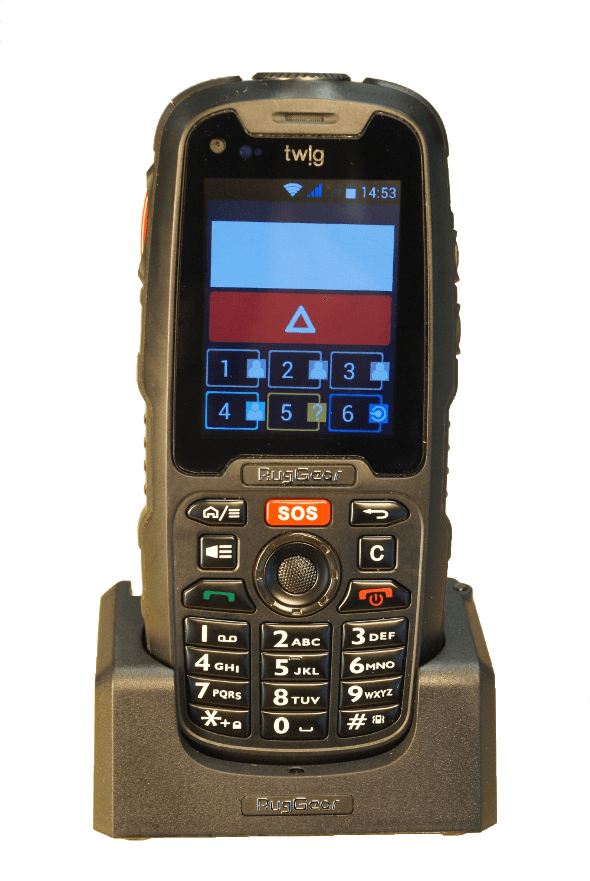
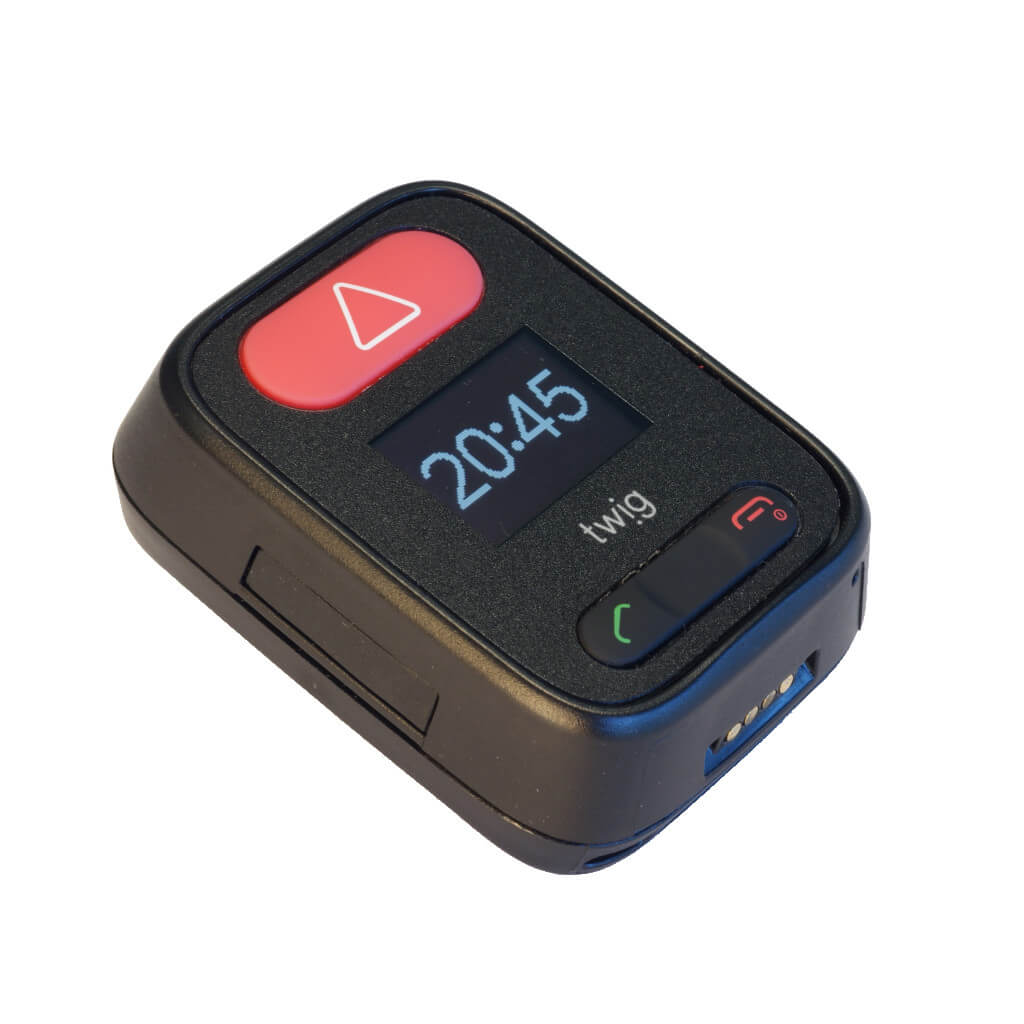
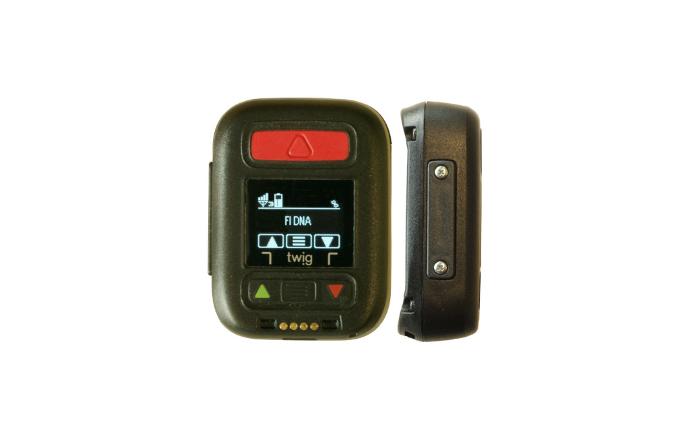
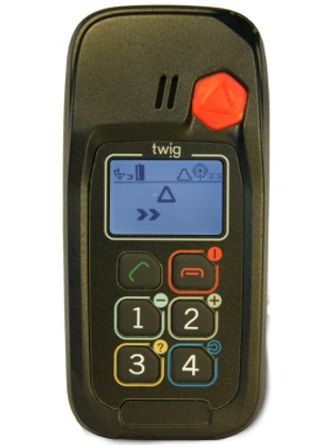
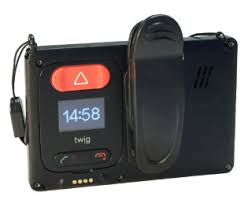
Twig One
Make your Twig One devices a part of any infrastructure by connecting them via flespi telematics hub. Manage the
device settings using flespi device
management platform. Learn how
to configure Twig One with flespi.
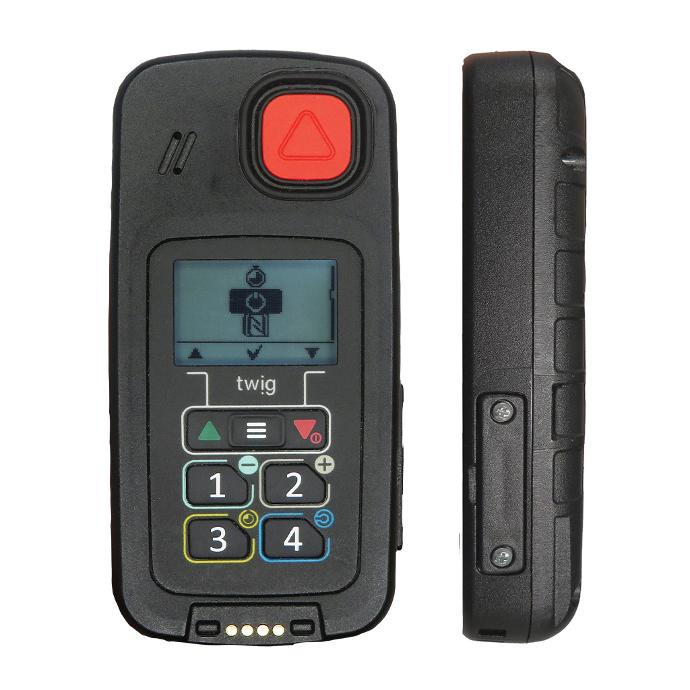
Usage specifics
Parameters (52)
Settings (10)
Commands (1)
Twig One
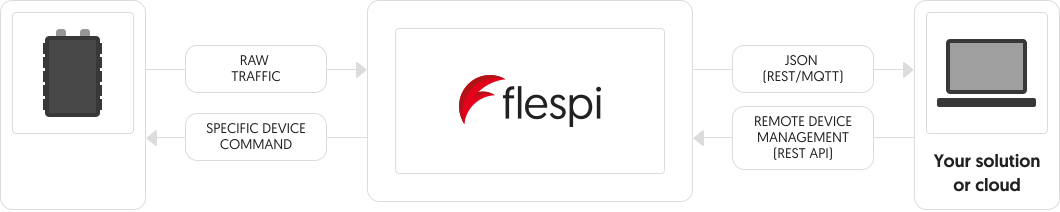
Flespi parses telemetry data from your Twig One into a standardized JSON and
lets you send commands to Twig One via API.
Here’s the like of JSON you get
{
    "ident": "352625333222111",
    "position.altitude": 273.61,
    "position.hdop": 0.7,
    "position.latitude": 49.069782,
    "position.longitude": 28.632826,
    "position.satellites": 18,
    "server.timestamp": 1650636570.426424,
    "timestamp": 1650636570.426424,
    "device.type.id": "Twig One",
    "channel.id": 1111,
    "protocol.id": "twig"
    "engine.ignition.status": true
    ...
}
How to consume this nice JSON
The easiest way is to make a REST API request like this
curl -X GET --header 'Authorization: FlespiToken XXX' 'https://flespi.io/gw/devices/<device id>/messages'
How to send commands to Twig One?
You can send a specific command.
Show all commands
You can use pre-defined settings to send instructions more conveniently.
Show all settings
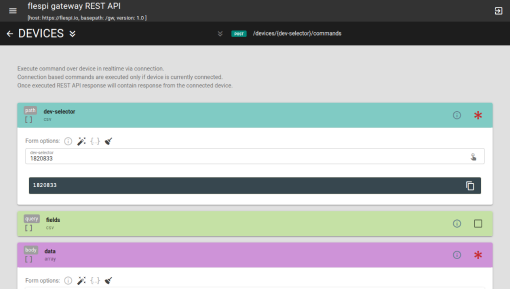
You can also

Modify messages
Add or remove parameters, inject data from LBS and reverse-geocoding services, etc.
Learn what plugins can do
Aggregate data
Determine trips and stops, catch events, detect geofence ins/outs, and more.
Learn about flespi analytics capabilities alarm.mode.status
boolean
Device alarm mode status
anchor.distance
number
meters
Distance to anchor/area center
battery.level
number
percentage
Internal battery level
battery.temperature
number
celsius
Battery temperature
battery.voltage
number
volts
Internal battery voltage
ble.beacons
array
Standard parameter names used:
*id* - beacon identification string. Usually it is beacon's UUID or MAC-address
*local_name* - Beacons's Local Name
*rssi* - BLE signal level. Units = dBm
*battery.voltage* - Beacon's battery voltage. Units = volts
*battery.level* - Beacon's battery level. Units = percentage
*temperature* - Beacon's temperature. Units = celsius
*humidity* - Beacon's humidity. Units = percentage
channel.id
number
ID of channel that received a message
device.firmware.version
string
Firmware revision
device.id
number
ID of device that received a message
device.imei
string
IMEI of the device
device.model
string
Device model ID string
device.name
string
Name of device that received a message
device.type.id
number
ID of device type of device that received a message
emergency.alarm
boolean
Emergency alarm event triggered
error.type
number
Protocol-specific error identification number
event.code
string
Protocol-specific event code string
event.enum
number
Protocol-specific event code
event.seqnum
number
Unique event sequence number
gnss.type
string
GNSS type: gps, glonass, etc...
gps.module.version
string
GPS module version
gsm.cellid
number
Mobile network (GSM, 3G, 4G, LTE, 5G, ...) base station ID
gsm.firmware.version
string
Mobile network (GSM, 3G, 4G, LTE, 5G, ...) module firmware version
gsm.lac
number
Mobile network (GSM, 3G, 4G, LTE, 5G, ...) location area code
gsm.mcc
number
Mobile network (GSM, 3G, 4G, LTE, 5G, ...) country code
gsm.mnc
number
Mobile network (GSM, 3G, 4G, LTE, 5G, ...) code
gsm.network.type
string
The type of the Mobile network the device is currently registered to
gsm.pcid
number
Physical layer Cell ID in the Mobile network (LTE and NR)
gsm.signal.dbm
number
dbm
Strength of the Mobile network (GSM, 3G, 4G, LTE, 5G, ...) signal
gsm.signal.level
number
percentage
Mobile network (GSM, 3G, 4G, LTE, 5G, ...) signal strength level
ident
string
Device unique identifier like serial number, IMEI, etc
message.content
string
Message content
message.detail
string
Message detail
message.type
string
Message type
modem.name
string
Name of the modem
network.signal.rsrp
number
dbm
LTE reference signal received power (RSRP)
normal.mode.status
boolean
Normal mode status
peer
string
IP:port from which device connecting to the channel
position.accuracy
number
meters
Position data accuracy in meters
position.altitude
number
meters
Altitude value for position
position.direction
number
degrees
Heading angle at position detection moment
position.latitude
number
degrees
Latitude coordinate value
position.longitude
number
degrees
Longitude coordinate value
position.speed
number
km/h
Instant speed at position detection moment
position.timestamp
number
seconds
Timestamp when coordinates where calculated
protocol.id
number
ID of protocol
report.reason
number
Transmission reason code
server.timestamp
number
seconds
Timestamp when server received a message
test.mode.status
boolean
Device is in test(diagnostic) mode
timestamp
number
seconds
Message timestamp
wifi.mac.address
string
WiFi MAC address
wifi.signal.strength
number
WiFi signal strength, RSSI
wifi.ssid
string
Wi-Fi SSID name
Properties
Beacon / Wi-Fi filter
beacon_wifi_filter
Beacon display, BLE/Wi-Fi filtering and TAG reading
wifi_scan: Wi-Fi AP scan
ble_filter: Filter BLE by beacon name
tag_reading: TAG reading
show_beacon_name: Show beacon name on display
BLE scanning
ble_scanning
BLE beacon scanning configuration
ble_scan: BLE beacon scan
preserve_time: Beacon data preserve time (seconds)
sort_and_send: Sort and send mode
beacon_location: Beacon location enabled
low_battery_warning: Low battery warning
GPS configuration
gps_configuration
GPS sleep time, search time, A-GPS, economy mode and position validity
agps_mode: A-GPS mode
sleep_time: Sleep time (seconds)
max_search_time: Max search time (seconds)
validity_period: Position validity period (seconds)
realtime_economy: Realtime economy mode
Motion detection
motion_detection
GPS motion sensor control and sensitivity (cannot be used simultaneously with ManDown)
enabled: Motion sensor
sensitivity: Sensitivity (mG)
On-screen message
on_screen_message
Show a text message on device display
message: Message text
RAW tracking
raw_tracking
Start or stop RAW DATA endless tracking. Reports will be stored as TRX messages
interval: Interval (minutes)
service_state: Service state
beacon_datablocks: Data sources
Request location
request_location
Request GPS position from device. Response will be stored as LOC message
action: Action
Request RAW location
request_raw_location
Request RAW DATA location measurement. Response will be stored as LOX message
beacon_datablocks: Data sources
Server connection
server_connection
GPRS connectivity, APN, server address and port
apn: APN
port: Server port
address: Server address
gprs_usage: GPRS usage
SRD transceiver
srd_transceiver
SRD transceiver sleep and beacon search time
sleep_time: Sleep time (minutes)
search_time: Beacon search time (seconds)
Properties
Custom command
Examples
custom
Send custom MPTP command from Central Station to Mobile Telematics Terminal
payload: Command payload
More devices from Twig (6)
Tags