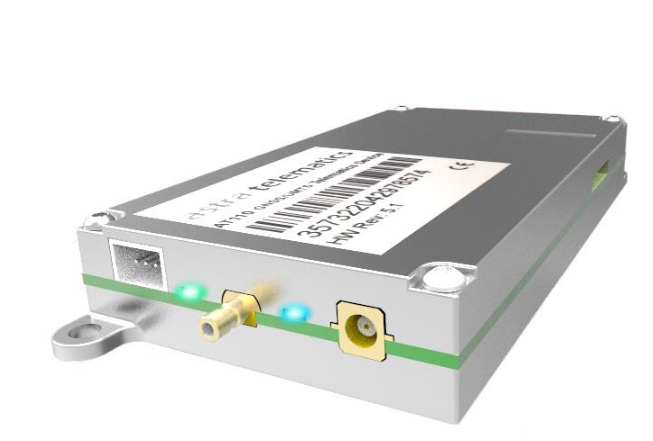
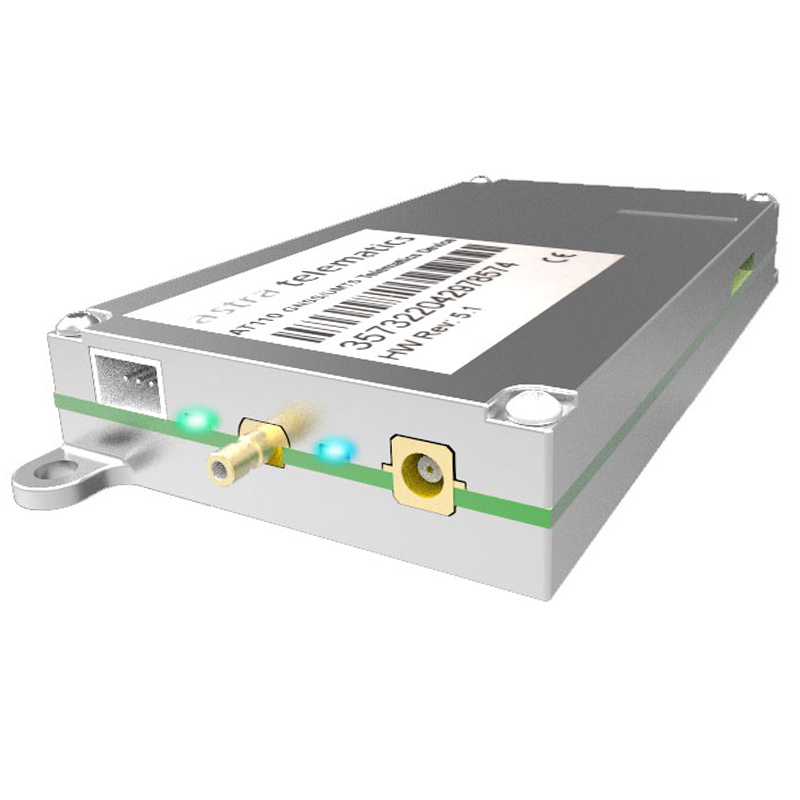
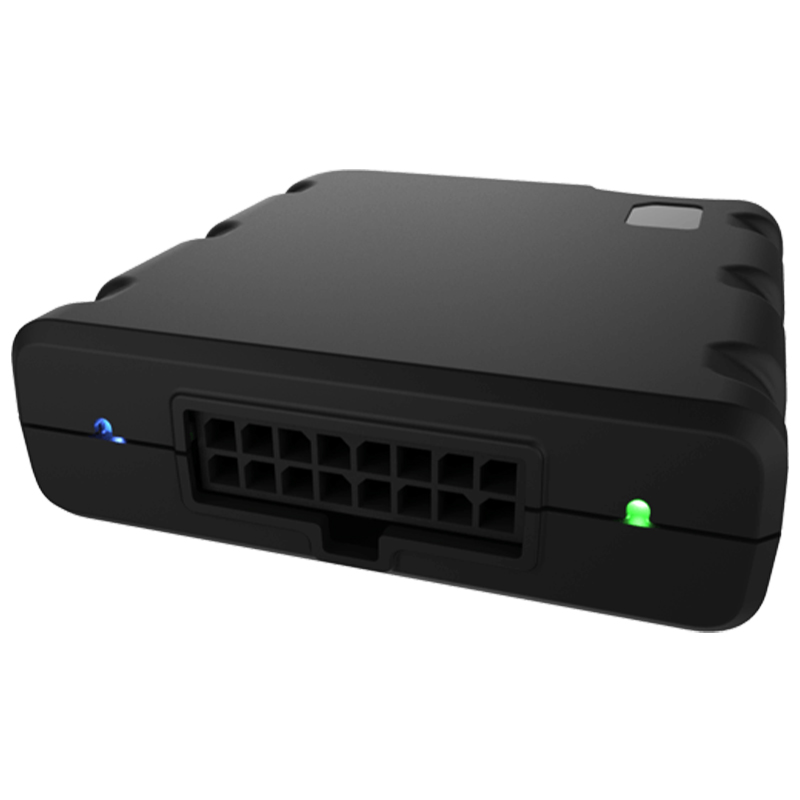
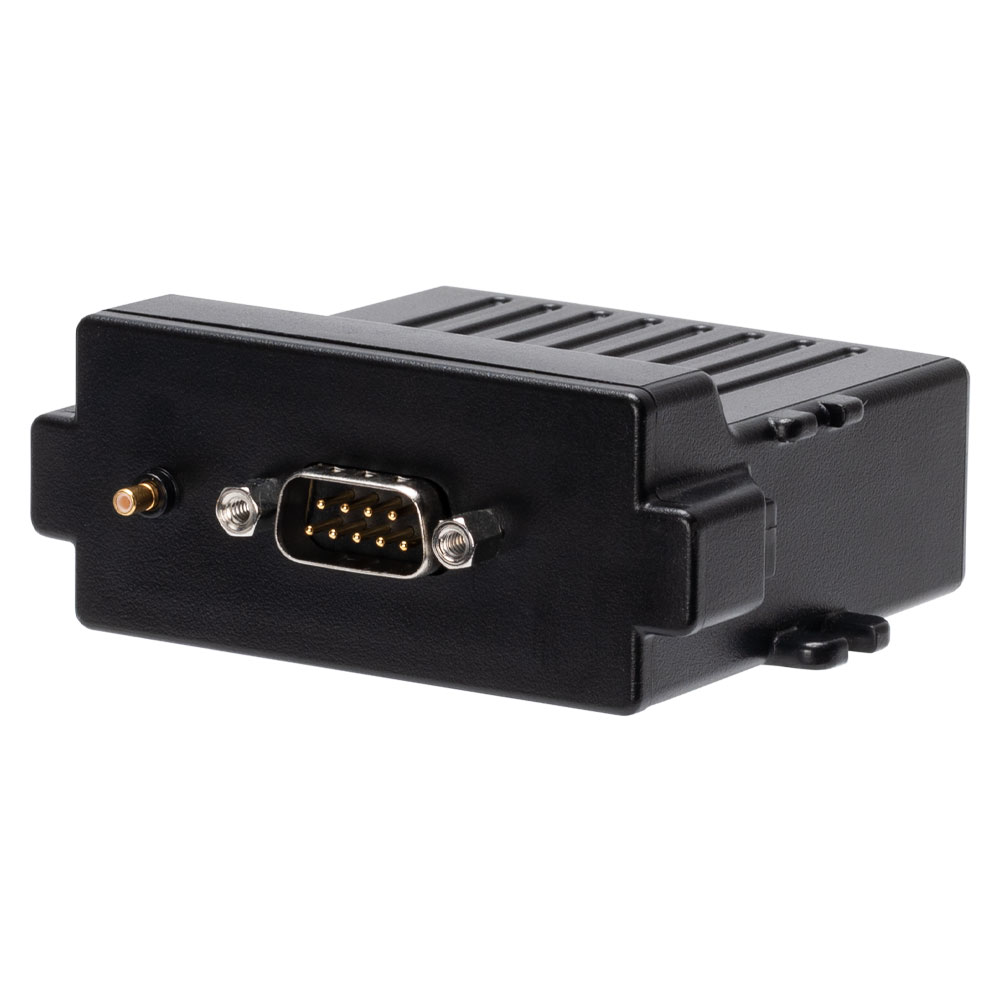
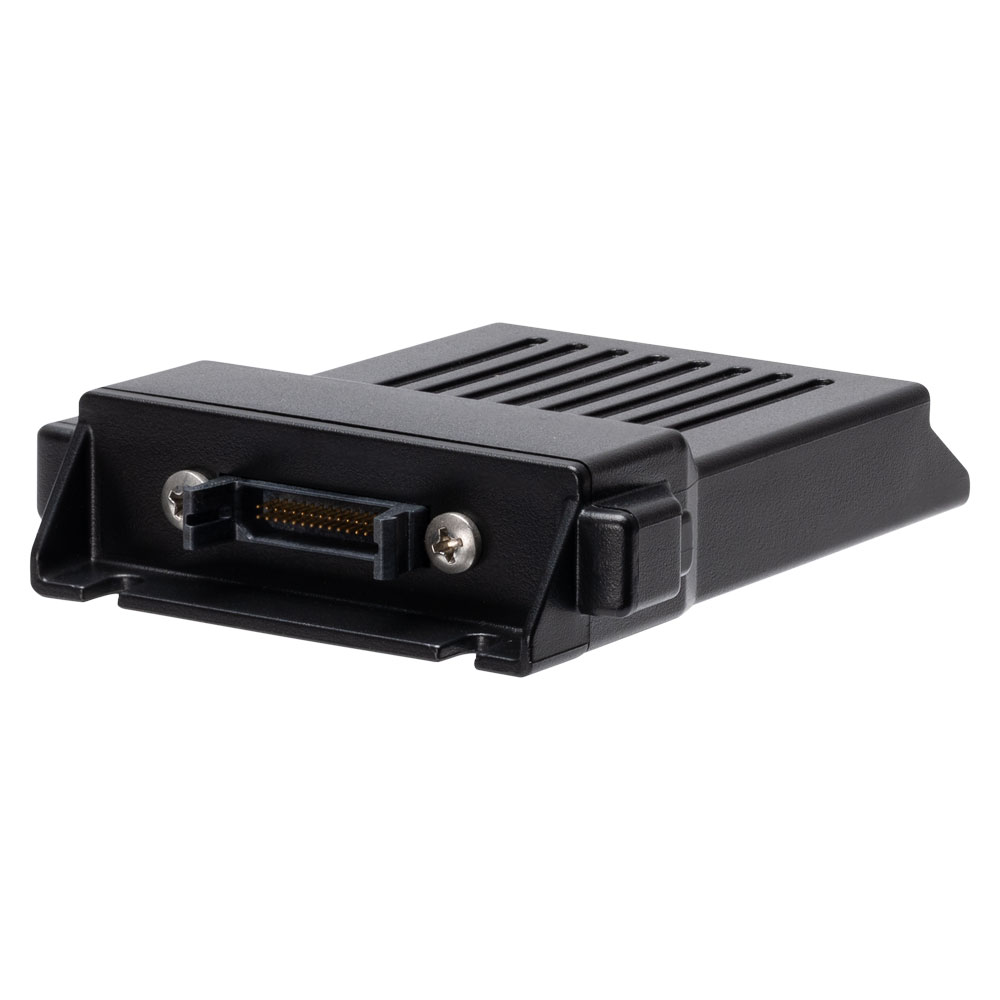
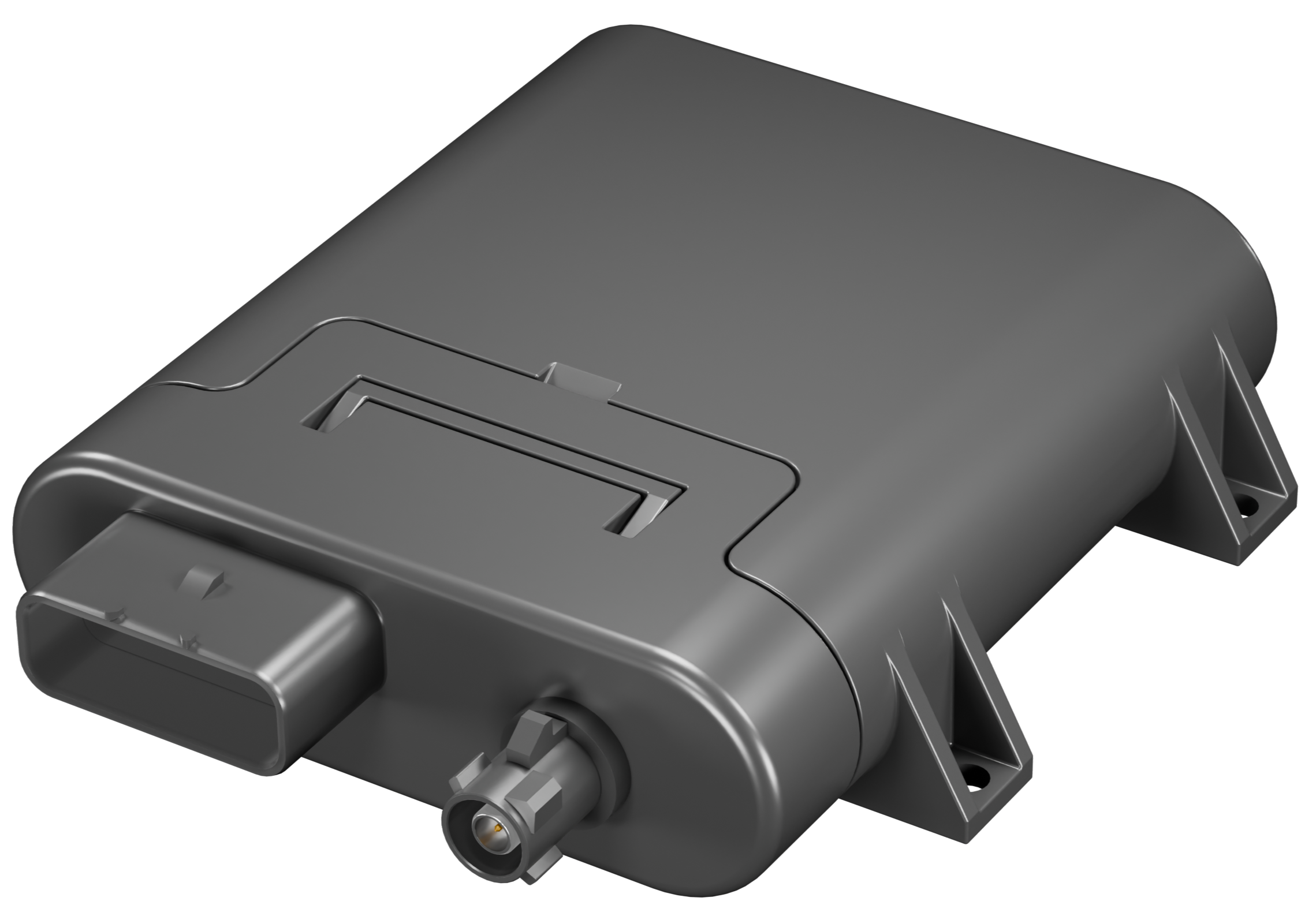
Astra Telematics AT402
Make your Astra Telematics AT402 devices a part of any infrastructure by connecting them via flespi telematics hub. Manage the
device settings using flespi device
management platform. Learn how
to configure Astra Telematics AT402 with flespi.
Usage specifics
Parameters (99)
Settings (6)
Commands (1)
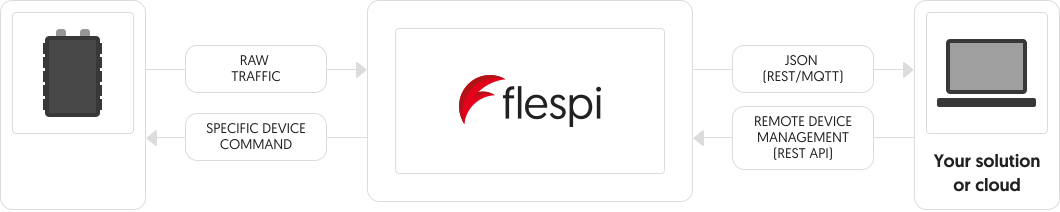
Astra Telematics AT402
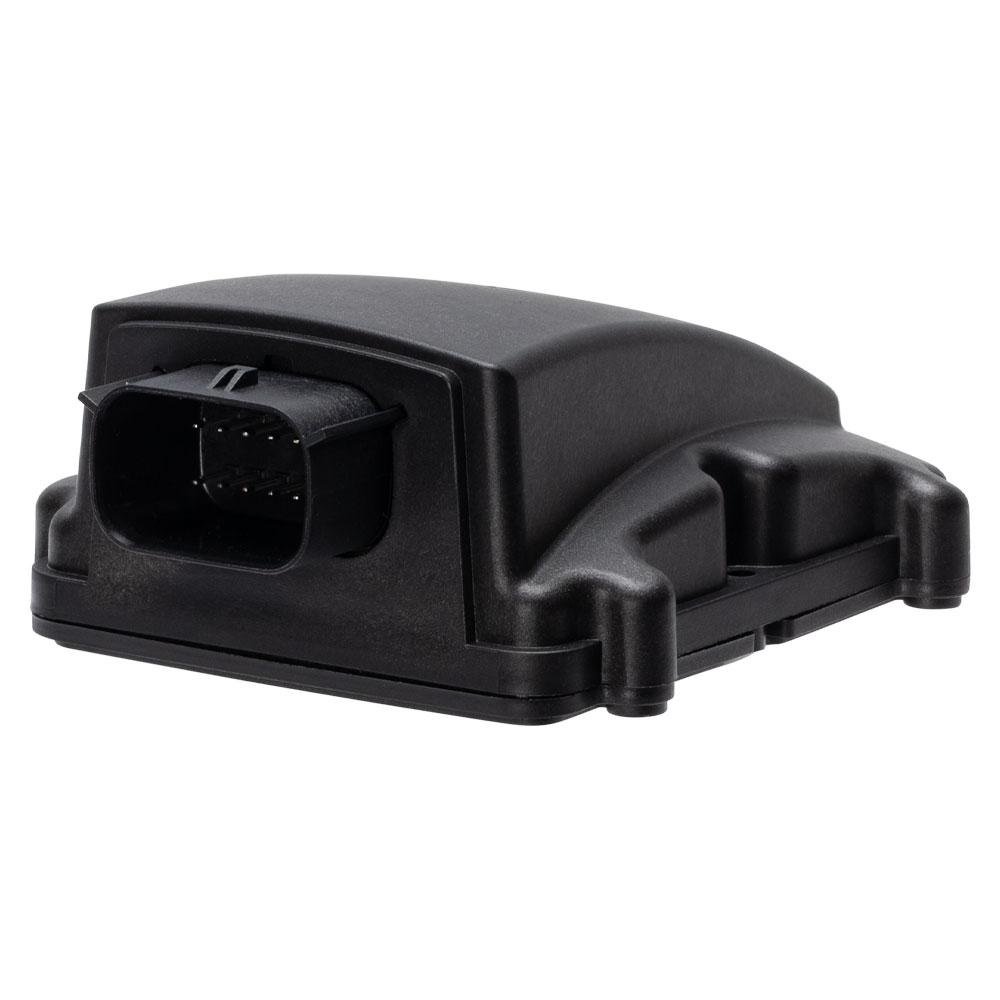
Flespi parses telemetry data from your Astra Telematics AT402 into a standardized JSON and
lets you send commands to Astra Telematics AT402 via API.
Here’s the like of JSON you get
{
    "ident": "352625333222111",
    "position.altitude": 273.61,
    "position.hdop": 0.7,
    "position.latitude": 49.069782,
    "position.longitude": 28.632826,
    "position.satellites": 18,
    "server.timestamp": 1650636570.426424,
    "timestamp": 1650636570.426424,
    "device.type.id": "Astra Telematics AT402",
    "channel.id": 1111,
    "protocol.id": "astra-telematics"
    "engine.ignition.status": true
    ...
}
How to consume this nice JSON
The easiest way is to make a REST API request like this
curl -X GET --header 'Authorization: FlespiToken XXX' 'https://flespi.io/gw/devices/<device id>/messages'
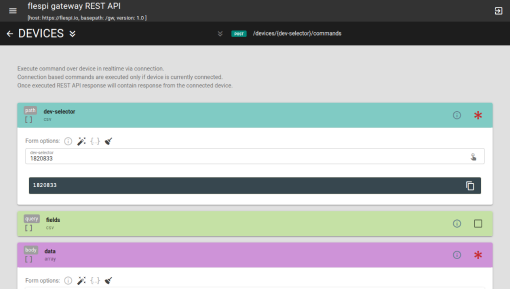
How to send commands to Astra Telematics AT402?
You can send a specific command.
Show all commands
You can use pre-defined settings to send instructions more conveniently.
Show all settings
You can also

Modify messages
Add or remove parameters, inject data from LBS and reverse-geocoding services, etc.
Learn what plugins can do
Aggregate data
Determine trips and stops, catch events, detect geofence ins/outs, and more.
Learn about flespi analytics capabilities ain
number
volts
Voltage on the analog input
Module 4: Analogues
alarm.panic.status
boolean
Panic alarm event occurred
Report Reason Flags
axle.weight
number
Axle weigth
Module 11: FMS Journey Start,
Module 16: FMS Journey Stop
Module 16: FMS Journey Stop
battery.level
number
percentage
Internal battery level
Module 1: Device Power
battery.low.alarm
boolean
Battery low alarm event
Report Reason Flags
ble.beacons
array
Standard parameter names used:
*id* - beacon identification string. Usually it is beacon's UUID or MAC-address
*local_name* - Beacons's Local Name
*rssi* - BLE signal level. Units = dBm
*battery.voltage* - Beacon's battery voltage. Units = volts
*battery.level* - Beacon's battery level. Units = percentage
*temperature* - Beacon's temperature. Units = celsius
*humidity* - Beacon's humidity. Units = percentage
Module 45: BLE Beacons
ble.uptime
number
BLE uptime counter
Module 41: Battery Usage Statistics
can.battery.voltage
number
volts
Battery voltage read from CAN
Module 21: Rayvolt E-Bicycle,
Module 42: STARS ACIM Motor Controller,
Module 47: Heinzmann ED-Display CAN Data
Module 42: STARS ACIM Motor Controller,
Module 47: Heinzmann ED-Display CAN Data
can.controller.serial.number
string
Controller serial number read from CAN
Module 21: Rayvolt E-Bicycle
can.controller.software.version
string
Controller software version read from CAN
Module 21: Rayvolt E-Bicycle
can.data.frame
string
CAN data frame value in HEX representation, indexed by CAN message ID or element identifier
Module 46: Generic CAN Data
can.dtc
array
Diagnostic trouble code array read from CAN
May content list of OBDII codes or list of objects with codes.
Standard object parameter names used:
*standard* - Protocol standard (J1939, J1708(J1587), OBDII)
*mid* - Message Identifier (J1708)
*sid* - Subsystem Identifier (J1708)
*fmi* - Failure Mode Identifier (J1939, J1708)
*spn* - Suspect Parameter Number (J1939)
*sa* - Source Address (J1939, OBDII)
*oc* - Occurrence Count (J1939)
*cm* - Conversion Method (J1939)
*status* - Status of error code (active, pending, historical, permanent)
Module 15: OBD DTCs
can.engine.coolant.temperature
number
celsius
Engine coolant temperature read from CAN
Module 13: FMS In-Journey,
Module 14: OBD In-Journey,
Module 30: FMS In-Journey HiRes
Module 14: OBD In-Journey,
Module 30: FMS In-Journey HiRes
can.mil.mileage
number
km
Distance traveled while malfunction indicator lamp is activated, read from CAN
Module 17: OBD Journey Stop
can.mil.time
number
hours
Time run with malfunction indicator lamp activated, read from CAN
Module 17: OBD Journey Stop
can.motor.controller.temperature
number
celsius
Electric motor controller temperature, read from CAN
Module 21: Rayvolt E-Bicycle,
Module 42: STARS ACIM Motor Controller
Module 42: STARS ACIM Motor Controller
can.motor.current
number
amperes
Electric motor current, read from CAN
Module 42: STARS ACIM Motor Controller
can.motor.rpm
number
rpm
Electric motor speed, read from CAN
Module 42: STARS ACIM Motor Controller
can.motor.temperature
number
celsius
Electric motor temperature, read from CAN
Module 42: STARS ACIM Motor Controller
can.motor.voltage
number
volts
Electric motor voltage read, read from CAN bus
Module 42: STARS ACIM Motor Controller
can.service.mileage
number
km
Service distance read from CAN
Module 16: FMS Journey Stop
can.vehicle.battery.level
number
percentage
CAN-bus reported vehicle battery level for EV or HEV
Module 21: Rayvolt E-Bicycle,
Module 42: STARS ACIM Motor Controller,
Module 47: Heinzmann ED-Display CAN Data
Module 42: STARS ACIM Motor Controller,
Module 47: Heinzmann ED-Display CAN Data
can.vehicle.mileage
number
km
Total vehicle mileage read from CAN
Module 47: Heinzmann ED-Display CAN Data
can.vehicle.speed
number
km/h
Vehicle speed read from CAN
Module 21: Rayvolt E-Bicycle,
Module 42: STARS ACIM Motor Controller
Module 42: STARS ACIM Motor Controller
channel.id
number
ID of channel that received a message
device.id
number
ID of device that received a message
device.name
string
Name of device that received a message
device.tamper.status
boolean
Device tamper status true - device is opened, false - device is closed
Report Reason Flags
device.type.id
number
ID of device type of device that received a message
din
number
Digital inputs bitmask
Module 3: Digitals
driver.id
string
Driver identification card id
Module 9: Driver ID
driver.id.source
string
Driver identification source
Module 9: Driver ID
engine.blocked.status
boolean
Engine blocked status (fuel cutoff relay), true - engine is blocked, false - engine isn't blocked
Report Status Flags
engine.ignition.status
boolean
Engine ignition or ACC status
Report Status Flags
engine.motorhours
number
hours
Total calculated engine motorhours
Module 12: GNSS Stop Report,
Module 16: FMS Journey Stop,
Module 17: OBD Journey Stop
Module 16: FMS Journey Stop,
Module 17: OBD Journey Stop
external.powersource.voltage
number
volts
External power voltage
Module 1: Device Power
fms.cruise.time
number
seconds
FMS Eco driving Cruise time
Module 16: FMS Journey Stop
fuel.level
number
percentage
Fuel level percentage
Module 13: FMS In-Journey,
Module 14: OBD In-Journey,
Module 30: FMS In-Journey HiRes
Module 14: OBD In-Journey,
Module 30: FMS In-Journey HiRes
geofence.id
number
Geofence ID
Module 8: Geofences
gnss.jamming.status
boolean
GNSS receiver signal jamming detected
Report Status Flags
gnss.odometer
number
Odometer value calculated from GNSS data
Module 12: GNSS Stop Report
gnss.position.fixes.failed.time
number
seconds
Accumulated time spent trying to get the a GPS fixes, but failed
Module 41: Battery Usage Statistics
gnss.position.fixes.time
number
seconds
Accumulated time spent getting the successful GPS fixes
Module 41: Battery Usage Statistics
gsm.mcc
number
Mobile network (GSM, 3G, 4G, LTE, 5G, ...) country code
Module 7: GSM Network Info
gsm.mnc
number
Mobile network (GSM, 3G, 4G, LTE, 5G, ...) code
Module 7: GSM Network Info
gsm.network.roaming.status
boolean
Mobile network (GSM, 3G, 4G, LTE, 5G, ...) in roaming mode
Report Status Flags
gsm.signal.level
number
percentage
Mobile network (GSM, 3G, 4G, LTE, 5G, ...) signal strength level
Module 6: Signal Quality
gsm.sim.iccid
string
Integrated Circuit Card Id of SIM card of the Mobile network (GSM, 3G, 4G, LTE, 5G, ...)
Module 28: SIM ICCID
gsm.sim.imsi
string
IMSI of SIM card of the Mobile network (GSM, 3G, 4G, LTE, 5G, ...)
Module 27: SIM IMSI
ident
string
Device unique identifier like serial number, IMEI, etc
max.x.acceleration
number
g
Harsh acceleration event max accelerometer value on X-axis
Module 5: Driver Behaviour
max.y.acceleration
number
g
Harsh acceleration event max accelerometer value on Y-axis
Module 5: Driver Behaviour
max.z.acceleration
number
g
Harsh acceleration event max accelerometer value on Z-axis
Module 5: Driver Behaviour
message.buffered.status
boolean
Black box message
Report Status Flags
min.x.acceleration
number
g
Harsh acceleration event min accelerometer value on X-axis
Module 5: Driver Behaviour
min.y.acceleration
number
g
Harsh acceleration event min accelerometer value on Y-axis
Module 5: Driver Behaviour
min.z.acceleration
number
g
Harsh acceleration event min accelerometer value on Z-axis
Module 5: Driver Behaviour
modem.uptime
number
seconds
The total time the modem has been powered on
Module 41: Battery Usage Statistics
movement.status
boolean
Current movement state
Report Reason Flags
packets.sent
number
Transmission counter. Number of messages transmitted by the device via GPRS
Module 41: Battery Usage Statistics
peer
string
IP:port from which device connecting to the channel
position.accuracy
number
meters
Position data accuracy in meters
Module 44: GNSS Extended Data
position.altitude
number
meters
Altitude value for position
Module 2: GPS Data,
Module 44: GNSS Extended Data
Module 44: GNSS Extended Data
position.direction
number
degrees
Heading angle at position detection moment
Module 2: GPS Data,
Module 44: GNSS Extended Data
Module 44: GNSS Extended Data
position.hdop
number
Horizontal dilution of precision
Module 44: GNSS Extended Data
position.latitude
number
degrees
Latitude coordinate value
Module 2: GPS Data,
Module 44: GNSS Extended Data
Module 44: GNSS Extended Data
position.longitude
number
degrees
Longitude coordinate value
Module 2: GPS Data,
Module 44: GNSS Extended Data
Module 44: GNSS Extended Data
position.max.speed
number
km/h
Maximum speed value
Module 2: GPS Data,
Module 44: GNSS Extended Data
Module 44: GNSS Extended Data
position.satellites
number
Quantity of satellites used to calculate coordinates for given position information
Module 6: Signal Quality
position.satellites.visible
number
The number of visible GPS satellites at the time the location was received
Module 44: GNSS Extended Data
position.speed
number
km/h
Instant speed at position detection moment
Module 2: GPS Data,
Module 44: GNSS Extended Data
Module 44: GNSS Extended Data
position.valid
boolean
Is position information accurate and valid for given timestamp
Report Status Flags
private.status
boolean
Device is in private mode
Report Status Flags
protocol.id
number
ID of protocol
record.seqnum
number
Registered record sequence number
sensor.temperature
number
celsius
Temperature sensor value
Module 33: Sensors
server.timestamp
number
seconds
Timestamp when server received a message
sleep.mode.status
boolean
Device is in sleep mode
Report Reason Flags
system.uptime
number
seconds
Total time the system has been awake
Module 41: Battery Usage Statistics
system.wake.count
number
Number of times the system has woken up from sleep
Module 41: Battery Usage Statistics
tacho.driver.card.code
string
Driver identification card id for tacho, indexed by card slot
Module 29: FMS Driver ID
tacho.fms.driver.id
string
Indexed Driver ID read from Tacho FMS
Module 29: FMS Driver ID
timestamp
number
seconds
Message timestamp
total.fuel.consumed
number
liters
Total fuel consumption from device power on to the latest ACC ON time
Module 13: FMS In-Journey,
Module 30: FMS In-Journey HiRes
Module 30: FMS In-Journey HiRes
towing.alarm.status
boolean
Towing alarm state
Report Reason Flags
trip.average.engine.load.level
number
percentage
Average engine load during trip
Module 13: FMS In-Journey,
Module 14: OBD In-Journey,
Module 30: FMS In-Journey HiRes
Module 14: OBD In-Journey,
Module 30: FMS In-Journey HiRes
trip.average.engine.rpm
number
rpm
Average engine RPM during trip
Module 13: FMS In-Journey,
Module 14: OBD In-Journey,
Module 30: FMS In-Journey HiRes
Module 14: OBD In-Journey,
Module 30: FMS In-Journey HiRes
trip.average.speed
number
km/h
Average speed of the trip
Module 13: FMS In-Journey,
Module 14: OBD In-Journey,
Module 30: FMS In-Journey HiRes
Module 14: OBD In-Journey,
Module 30: FMS In-Journey HiRes
trip.average.throttle.pedal.level
number
percentage
Average throttle pedal level during trip
Module 13: FMS In-Journey,
Module 14: OBD In-Journey,
Module 30: FMS In-Journey HiRes
Module 14: OBD In-Journey,
Module 30: FMS In-Journey HiRes
trip.fuel.consumed
number
liters
Fuel consumed in the last trip
Module 14: OBD In-Journey,
Module 16: FMS Journey Stop
Module 16: FMS Journey Stop
trip.idle.time
number
seconds
Time the vehicle was idle based on GPS and accelerometer information, according to corresponding threshold
Module 5: Driver Behaviour
trip.max.engine.load.level
number
percentage
Max engine load during trip
Module 13: FMS In-Journey,
Module 14: OBD In-Journey,
Module 30: FMS In-Journey HiRes
Module 14: OBD In-Journey,
Module 30: FMS In-Journey HiRes
trip.max.engine.rpm
number
rpm
Max engine RPM during trip
Module 13: FMS In-Journey,
Module 14: OBD In-Journey,
Module 30: FMS In-Journey HiRes
Module 14: OBD In-Journey,
Module 30: FMS In-Journey HiRes
trip.max.speed
number
km/h
Maximum speed of the trip
Module 13: FMS In-Journey,
Module 14: OBD In-Journey,
Module 30: FMS In-Journey HiRes
Module 14: OBD In-Journey,
Module 30: FMS In-Journey HiRes
trip.max.throttle.pedal.level
number
percentage
Max throttle pedal level during trip
Module 13: FMS In-Journey,
Module 14: OBD In-Journey,
Module 30: FMS In-Journey HiRes
Module 14: OBD In-Journey,
Module 30: FMS In-Journey HiRes
trip.mileage
number
km
Distance driven since engine start
Module 13: FMS In-Journey,
Module 14: OBD In-Journey,
Module 2: GPS Data,
Module 30: FMS In-Journey HiRes,
Module 44: GNSS Extended Data
Module 14: OBD In-Journey,
Module 2: GPS Data,
Module 30: FMS In-Journey HiRes,
Module 44: GNSS Extended Data
vehicle.collision.alarm
boolean
Ordinary vehicle collision alarm
Report Reason Flags
vehicle.mileage
number
km
Total calculated mileage
Module 16: FMS Journey Stop,
Module 17: OBD Journey Stop
Module 17: OBD Journey Stop
vehicle.state.bitmask
number
Vehicle state flags bitmask
Report Reason Flags
Properties
APN
apn
Configure the GPRS Access Point Name. Use NONE to clear a fallback APN entry.
Up to 5 APNs can be specified (primary + 4 fallbacks), comma-separated.
name: APN
APN Password
apn_password
Configure the GPRS Access Point password. Use NONE for a blank password.
password: Password
Digital Output
digital_output
Set digital output state. Optionally configure pulsed output with timing parameters.
Warning: do not use on an output assigned to immobiliser function.
state: State
output: Output number
set_time: ON time (ms)
pulse_reps: Pulse repetitions
unset_time: OFF time (ms)
Immobilise
immobilise
Control vehicle immobiliser. Mode 0 clears immobilisation.
Modes 1-4 activate with different conditions.
Optional delay applies after mode conditions are met.
mode: Mode
delay: Delay (seconds)
Server Host
server_host
Configure the backend server IP address or hostname
host: Host
Server Port
server_port
Configure the backend server port number
port: Port
Properties
Custom command
Examples
custom
Send custom command to device. Provide the full command text (e.g. $ATSW or $DIST,500).
is added automatically
is added automatically
payload: Command payload
More devices from Astra Telematics (17)
Tags